
This was my fifth WLPC in Prague, and it was another fantastic experience. Unlike previous years, I wasn’t teaching a bootcamp this time, so I had the chance to slow down a little and enjoy the conference more.
Before I even arrived, I was excited about testing Starlink Wi‑Fi on my flight to WLPC. It turned out to be one of the highlights of the trip and one of my most memorable experiences from the journey. You can watch it here.
The people are what make this conference truly special. Over the years, I have built strong friendships within the Wi‑Fi community, and I feel fortunate to have these friendships wherever I travel in the world.
Once again, David kindly picked me up from the airport, and we spent some time catching up before the conference. Gestures like this remind me that WLPC is more than just a technical event. It is also about the friendships, connections, and sense of community that have developed over many years.
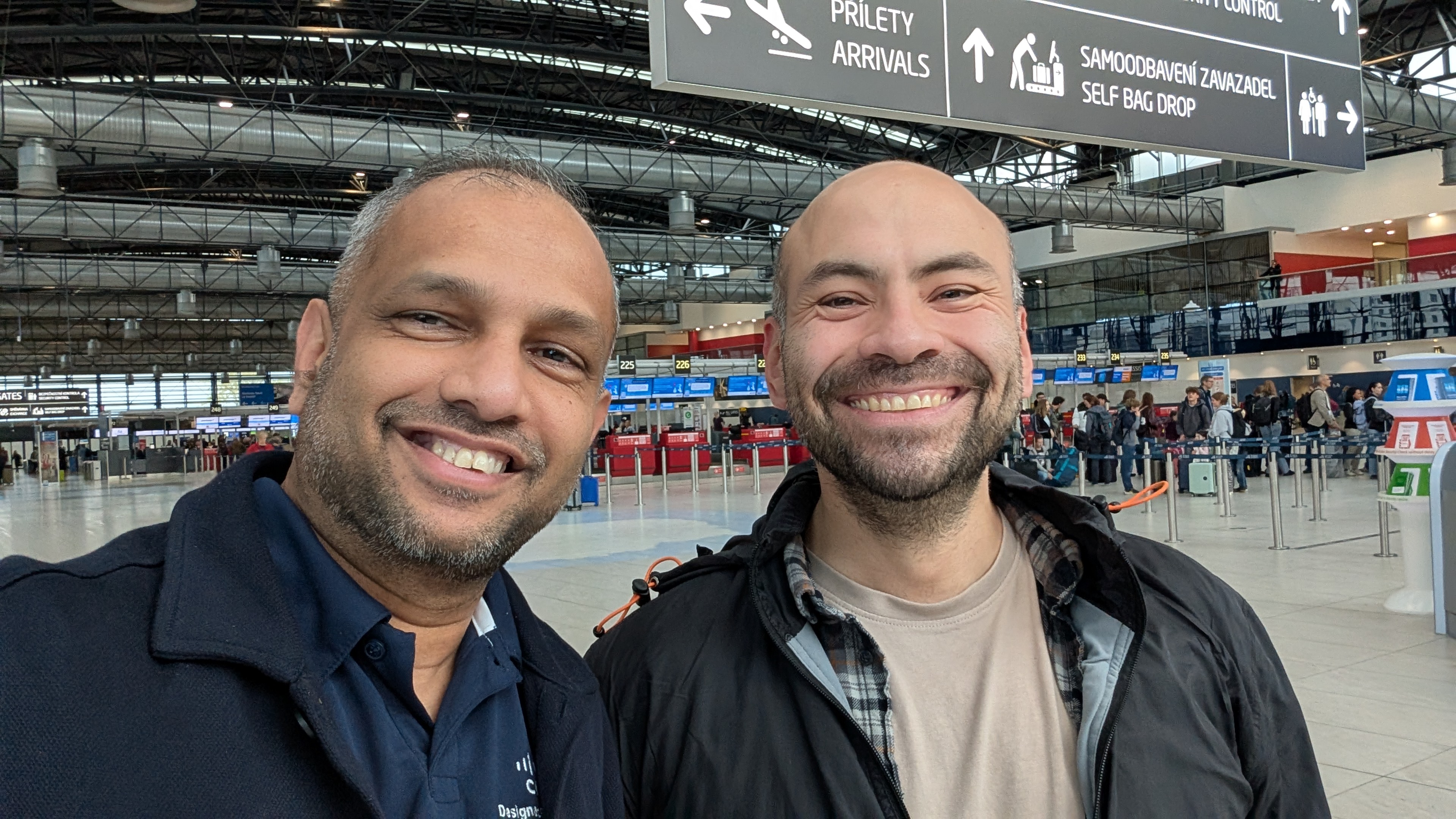
It was wonderful to reconnect with colleagues I have known for years while also building new friendships within the Wi‑Fi community. I was particularly happy that my close friend Gurpreet was able to attend his first WLPC in Prague. We spent a lot of quality time together, which made the experience even more memorable.
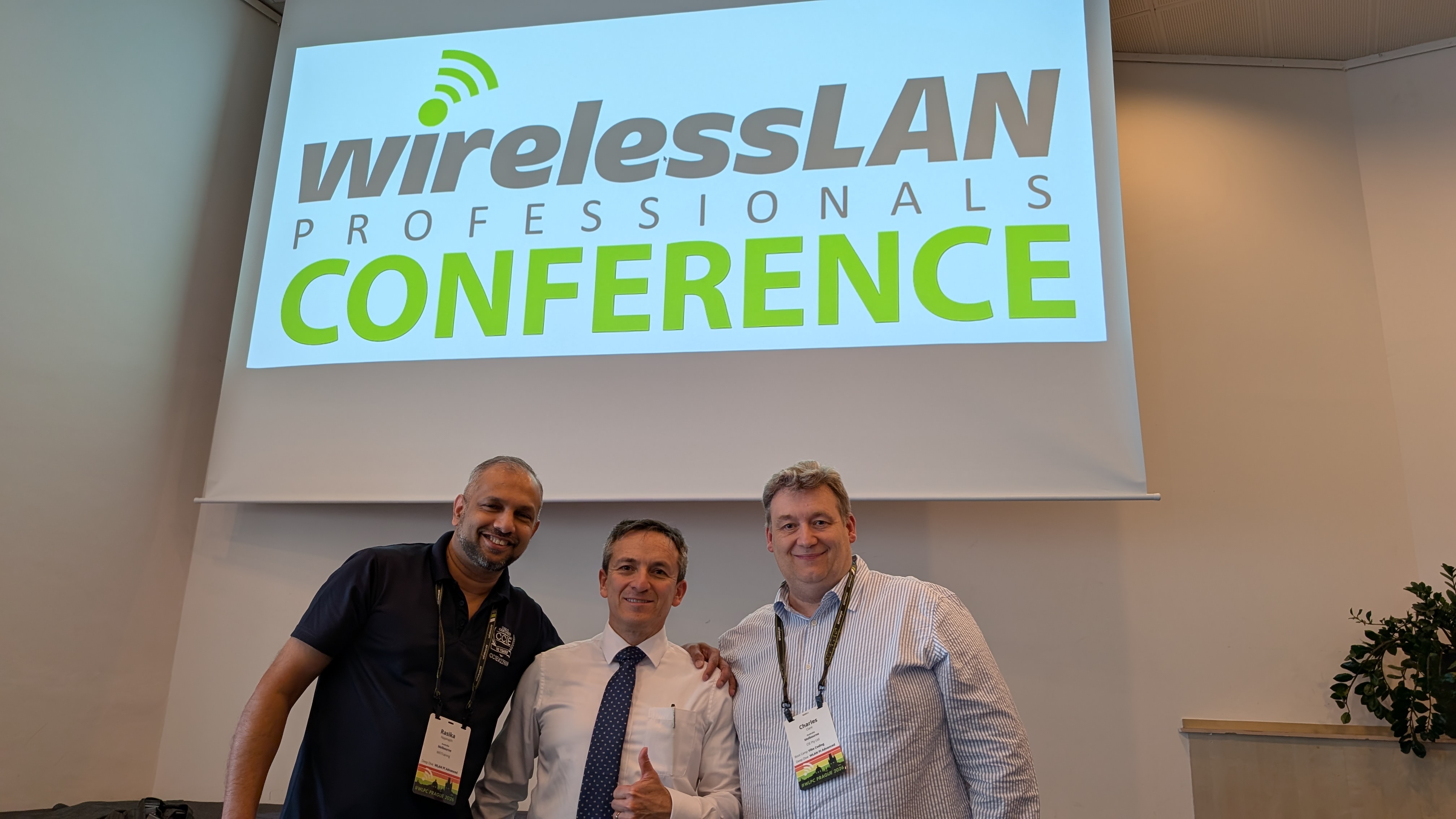
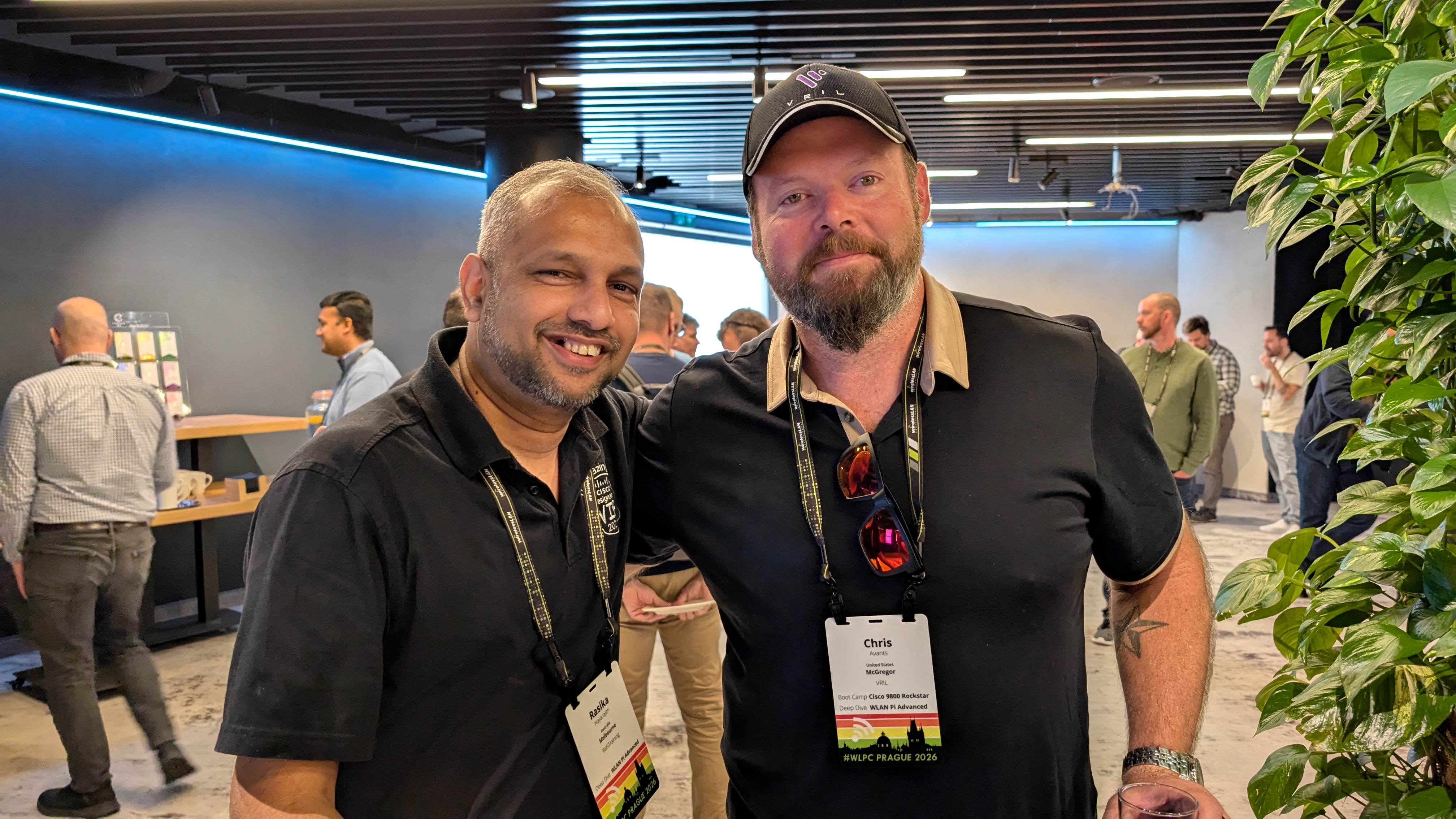
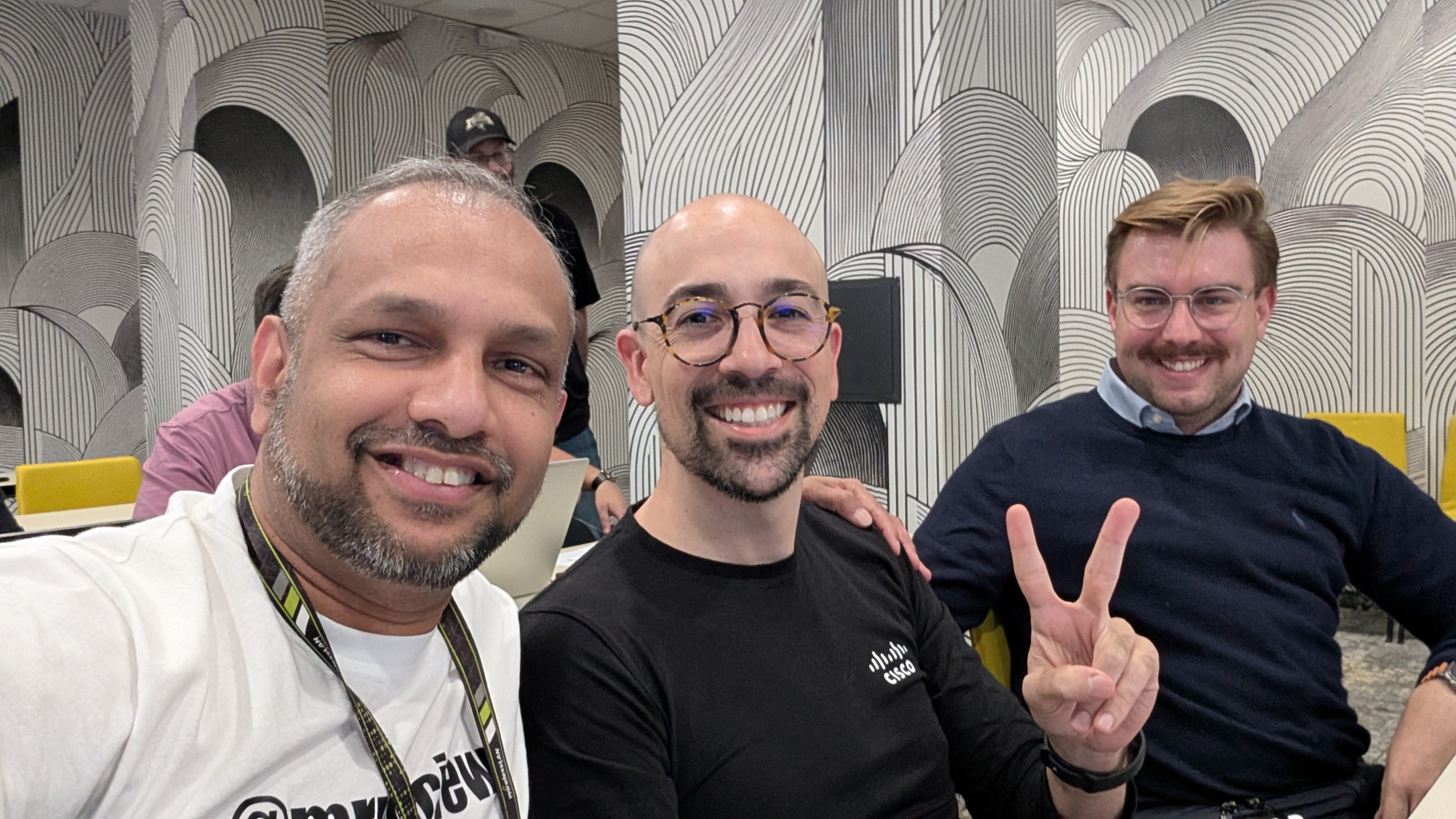
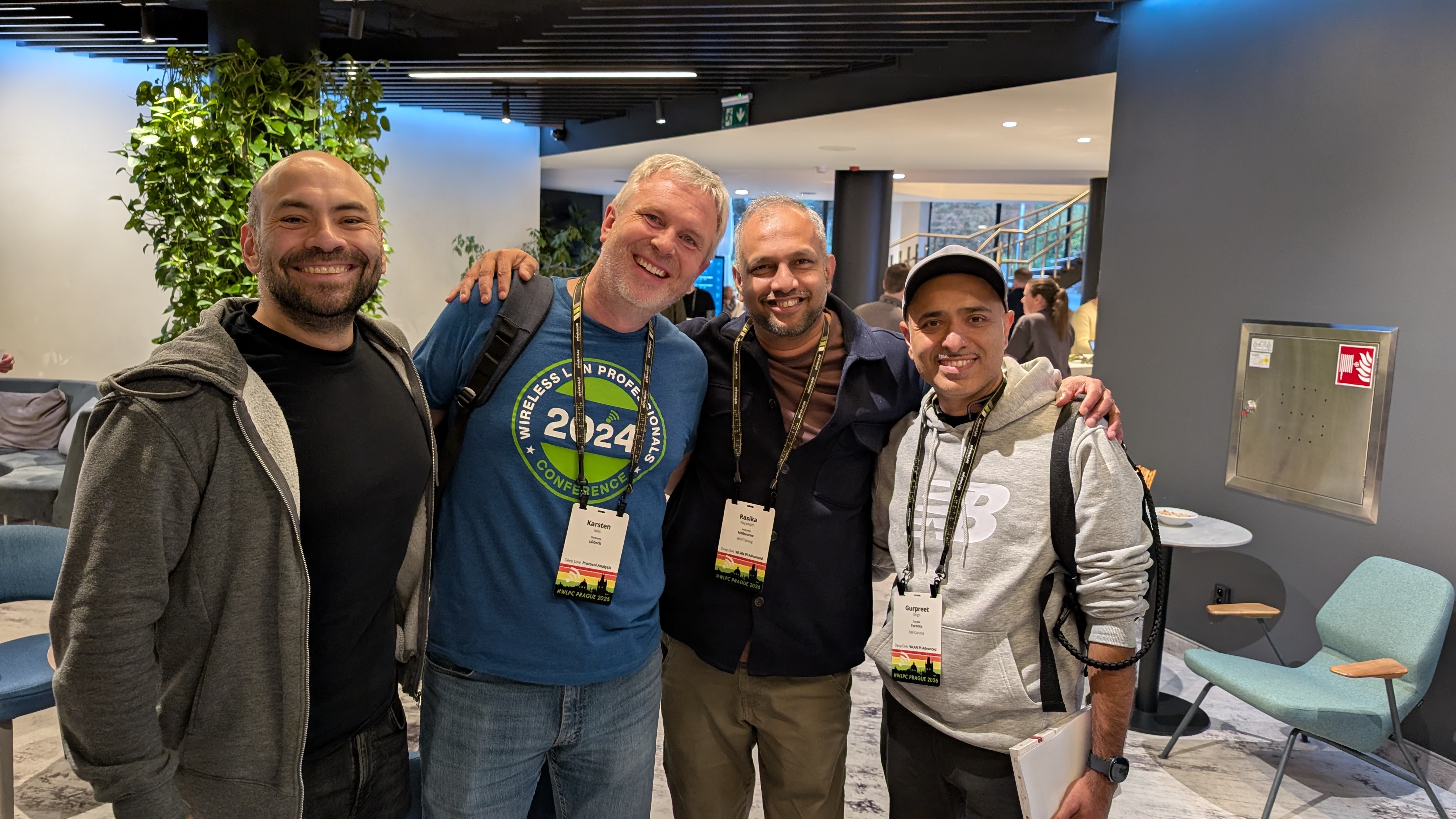
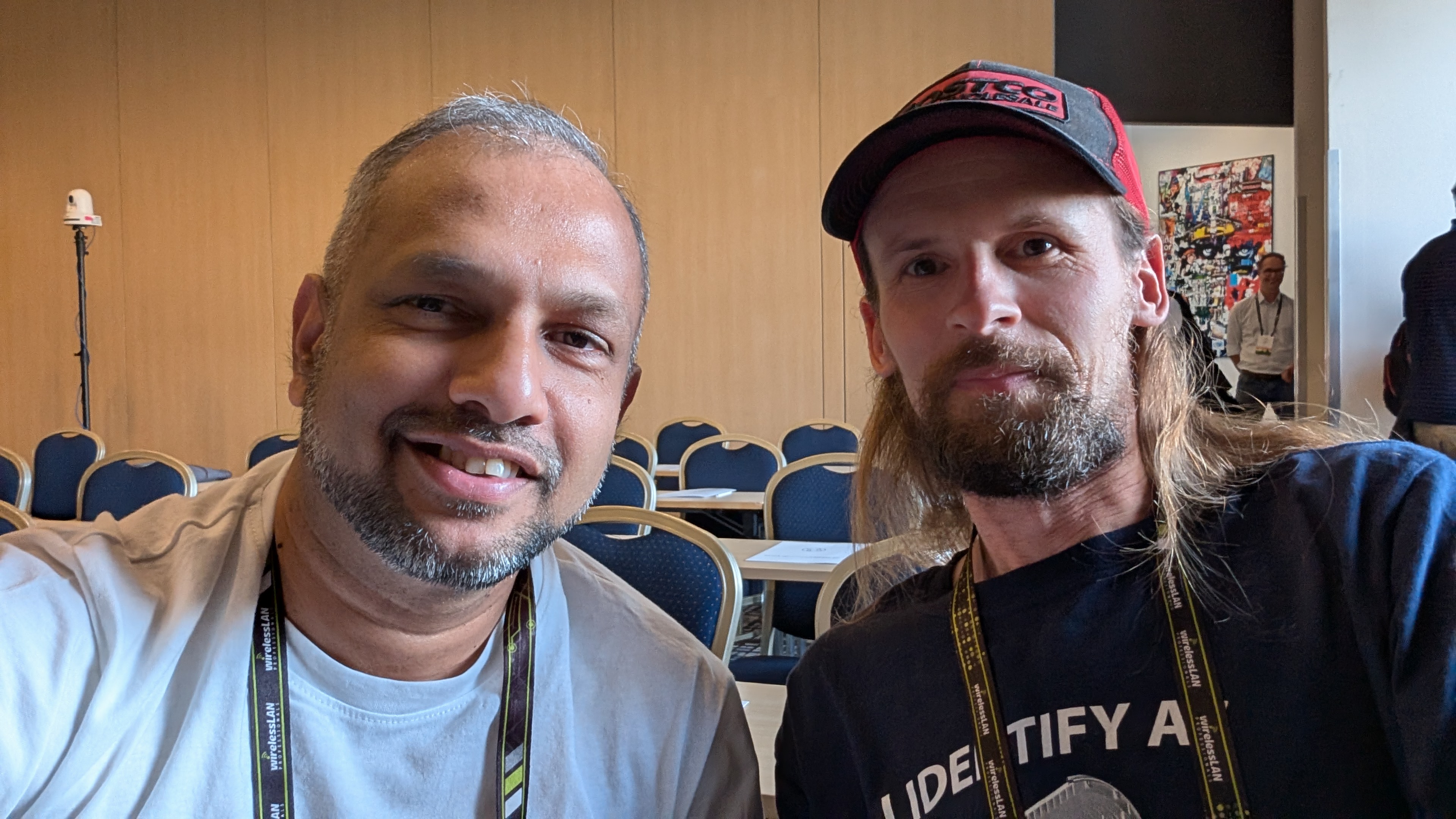
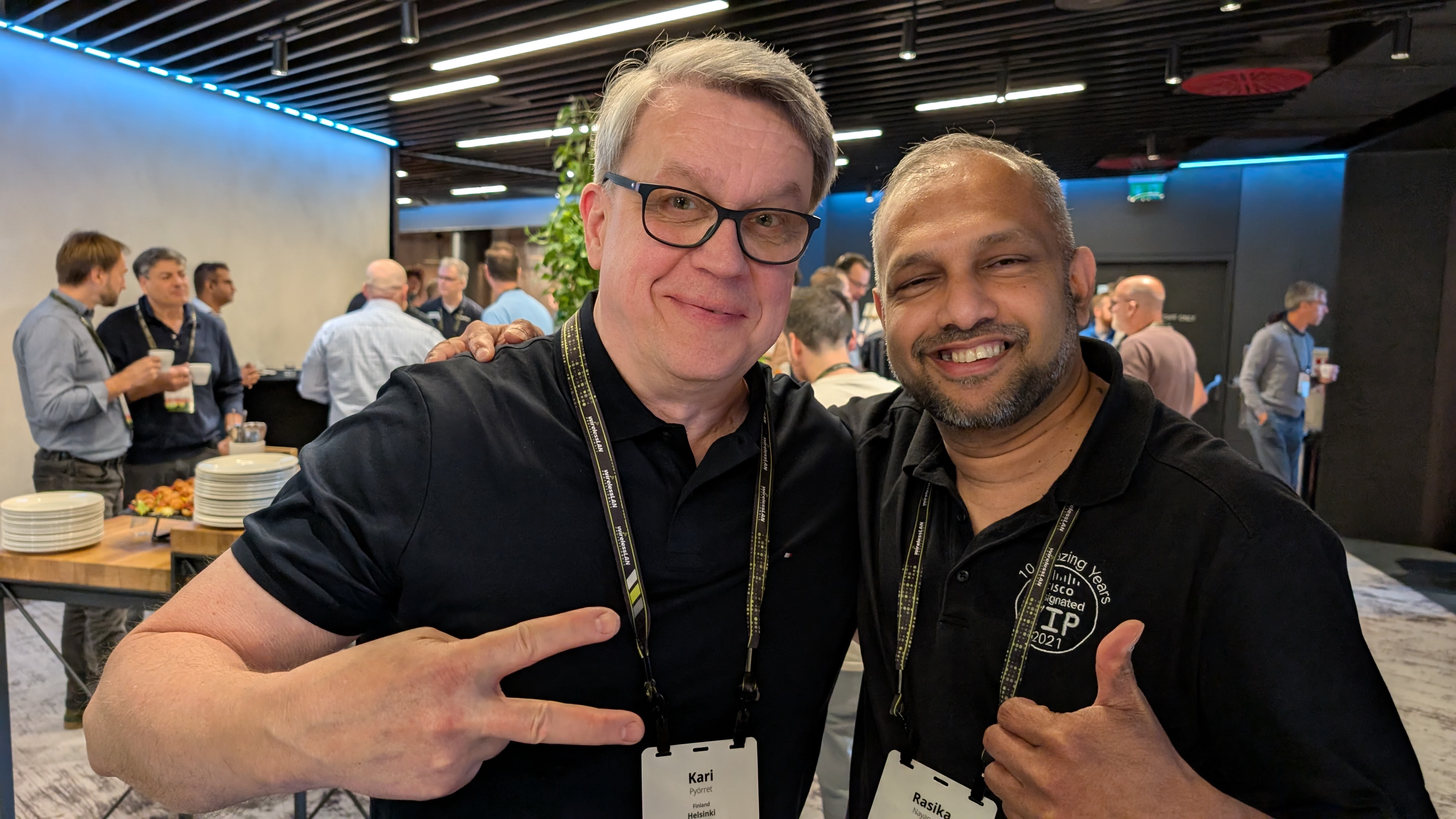
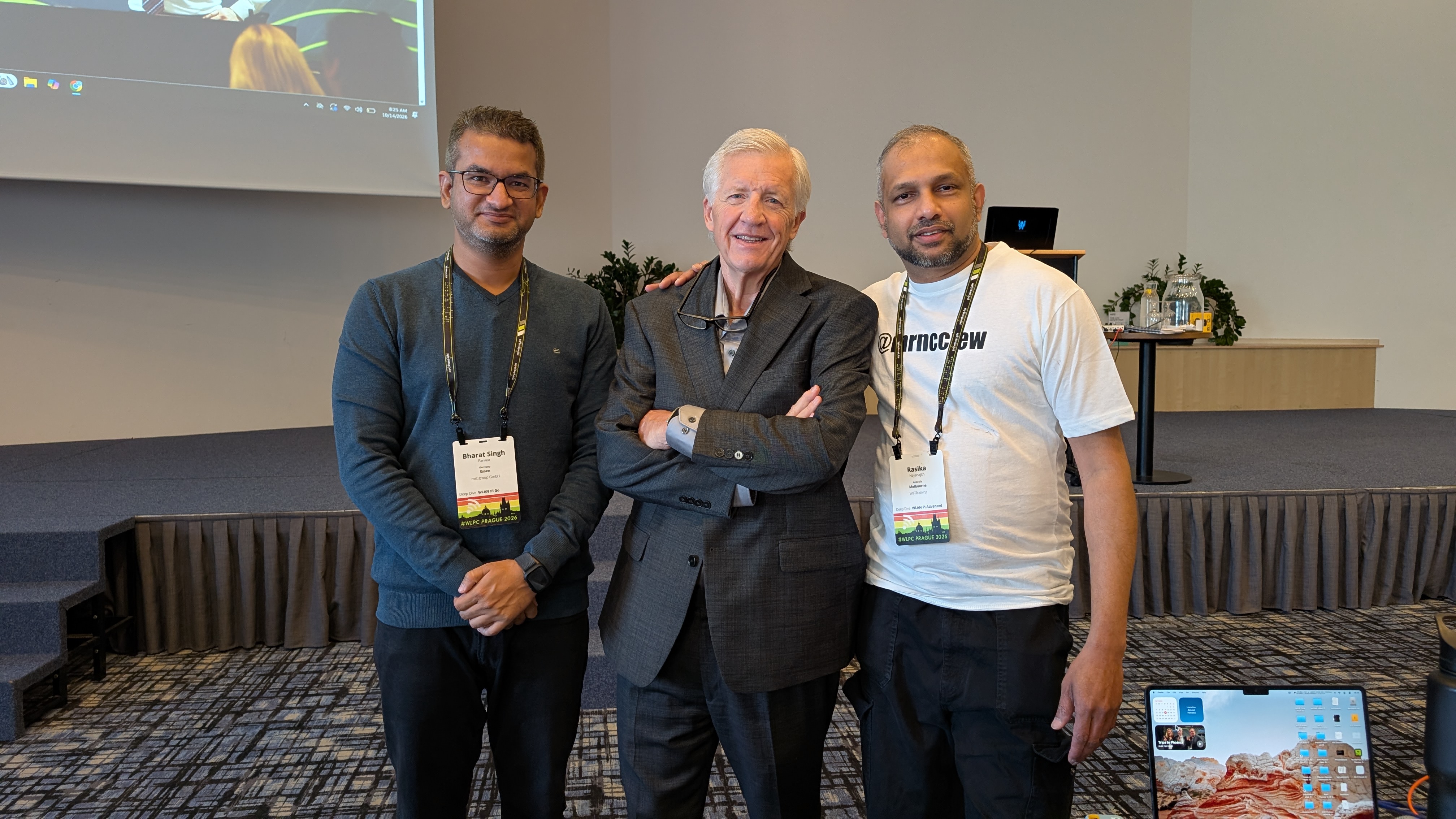
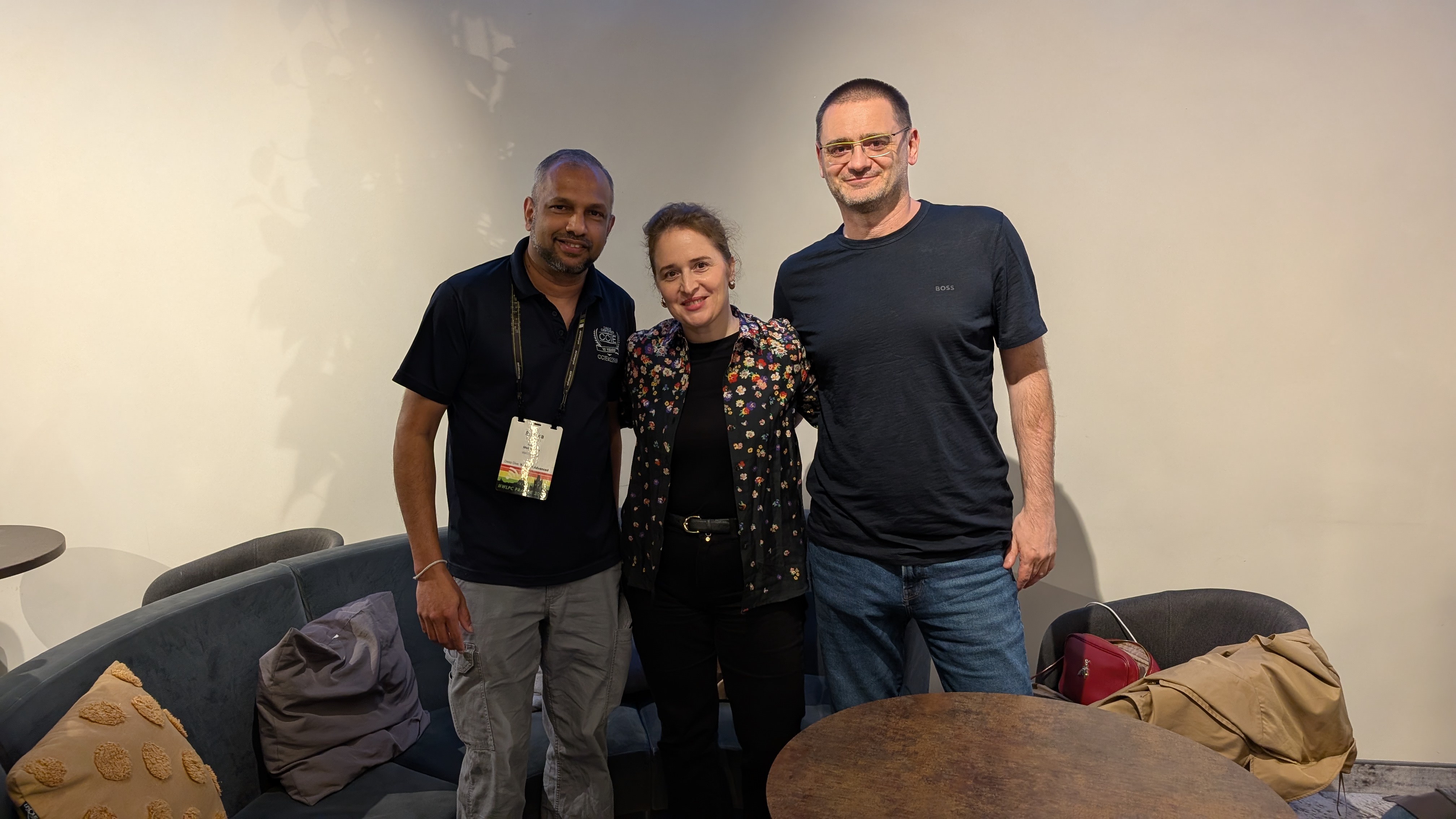
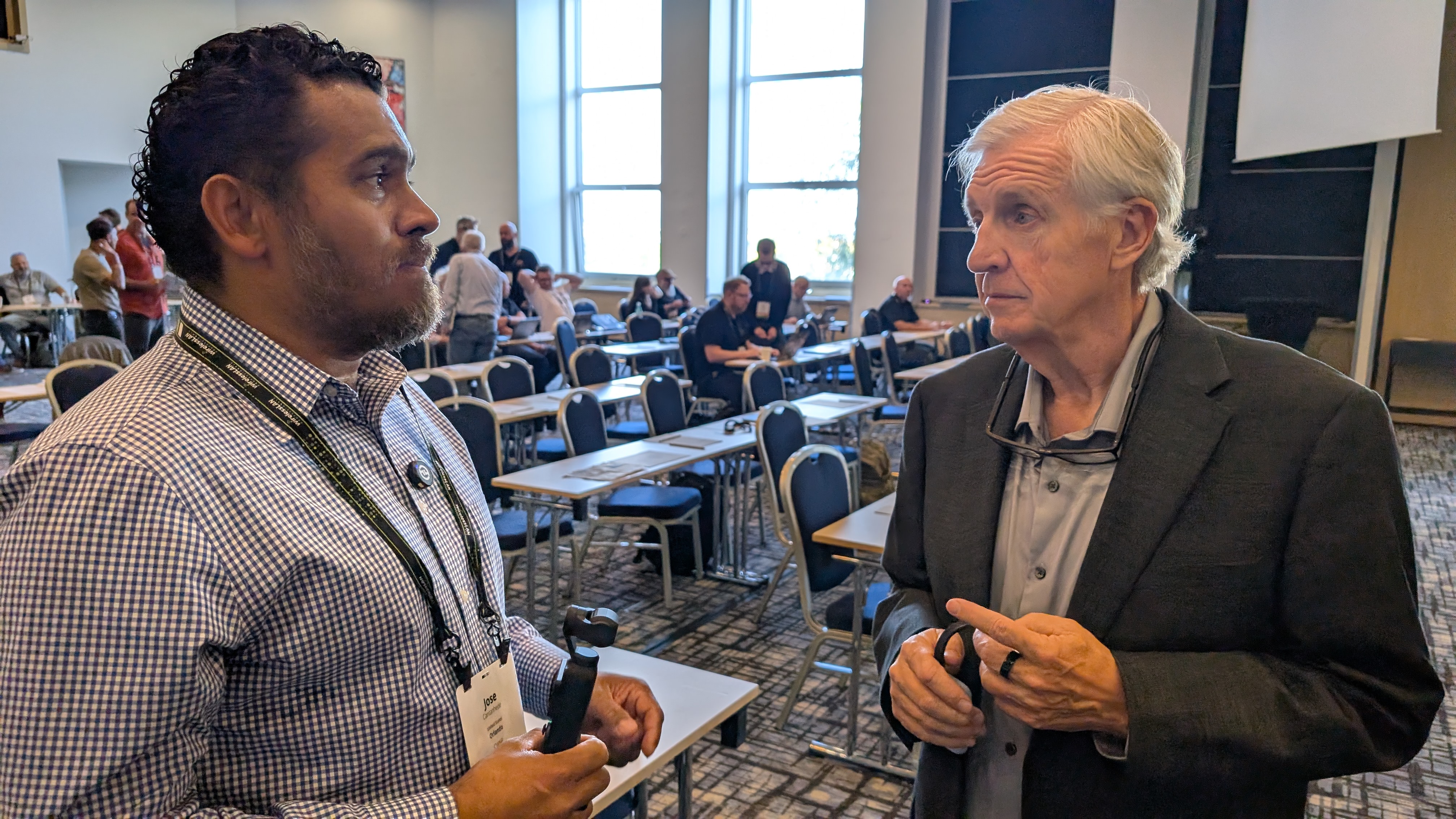
During the conference, I attended the WLAN Pi Advanced Deep Dive, which I thoroughly enjoyed. Thank you Jake, Ben and Nick for putting it together.
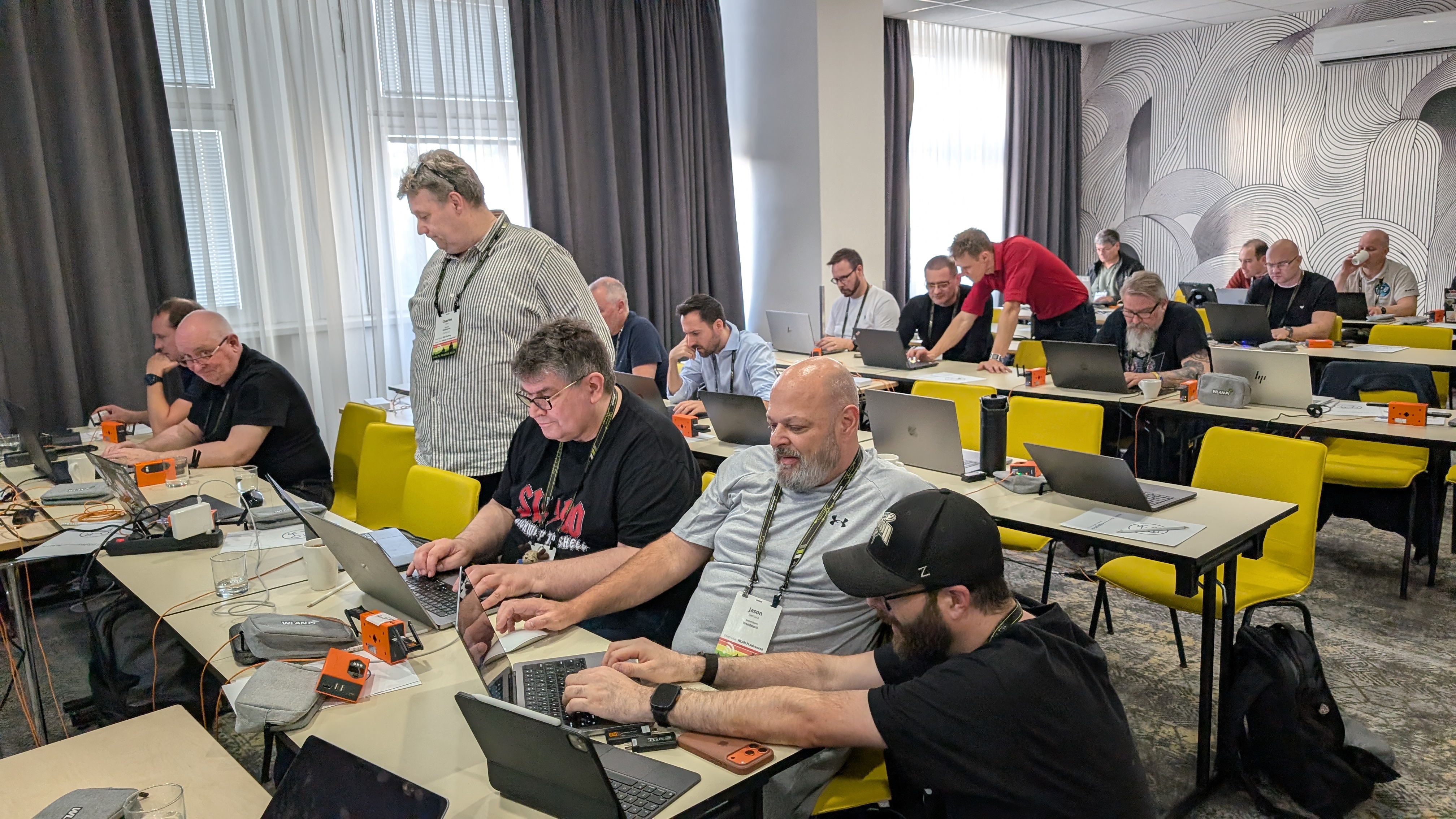
There were many insightful presentations throughout the event, and, as expected, AI/ML was a recurring theme across many of the sessions. It was interesting to see how rapidly AI is influencing different aspects of the wireless industry. Here are a few presentations that I found interesting. I encourage you to watch all the presentations when recordings are available.
- Untangling Snarl of Transmit Power by Joel Crane
- Wi-Fi 7 at Scale by Wes Pervis
- Half of your survey you never open by Matt Starling
- How I use AI by Keith Parson
- 2026 Insights from Wi-Fi Alliance by Gaurav Jain
- Design & Survey Wi-Fi HaLow by Ferney Munoz
- Embracing Cochannel Contention by Charles Clare
- Roaming Simplified by Gurpreet Singh
- Designing Wi-Fi for 650 Yrs old Castle by Stefan K
- Old Tech, New Trick : A Warehouse Wi-Fi by Tom Thielemans
I had the opportunity to deliver a 10-Talk session titled “Every Step Counts: Mindfulness for Wi‑Fi Engineers“ In this session, I shared how Wi‑Fi engineers can use everyday site survey walks as an opportunity to practice mindfulness and become more present in the moment. You can watch the session here:
I received positive feedback on my mindfulness talk, and I was pleased to see that several people were genuinely interested in practicing mindfulness themselves.
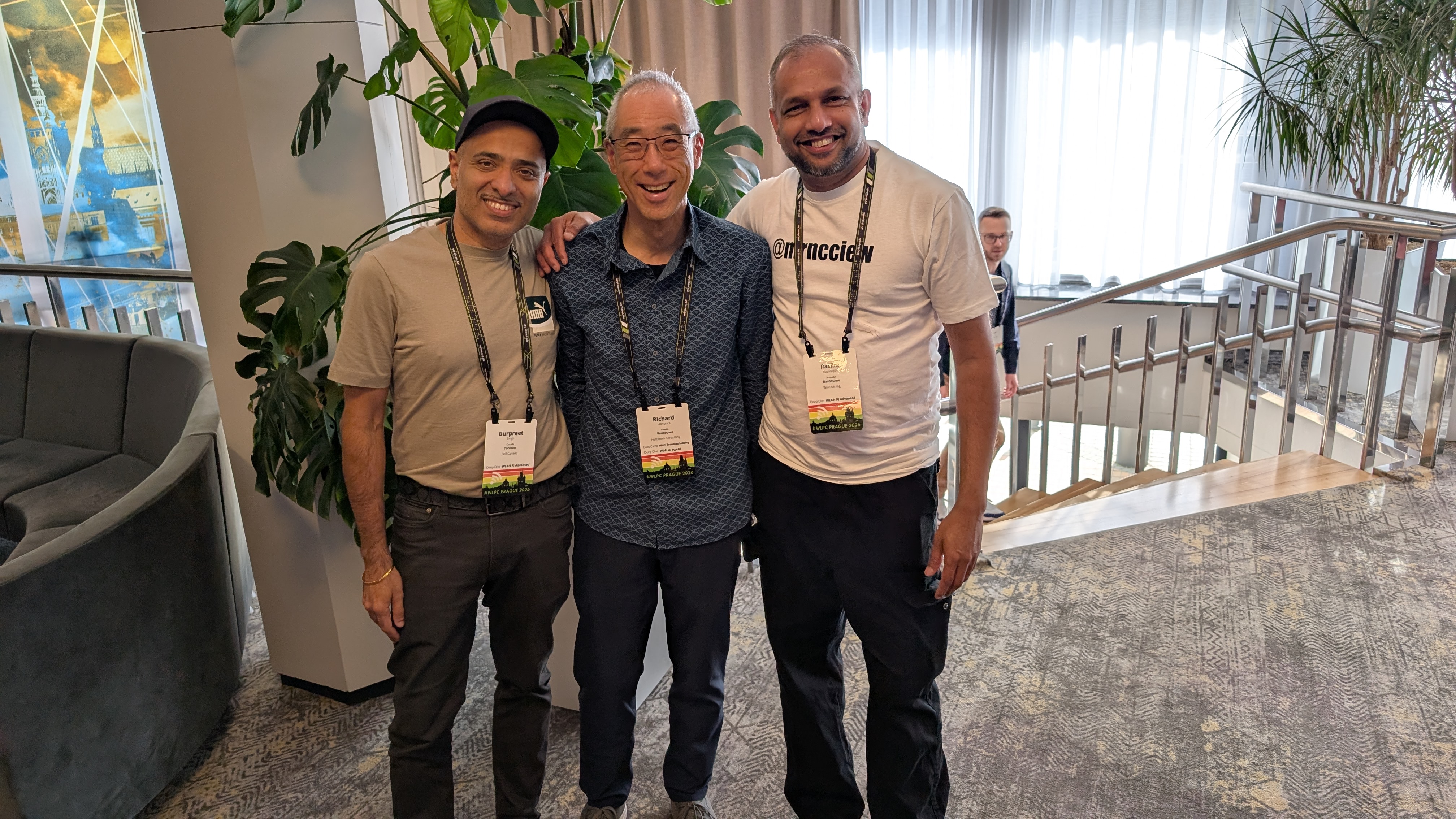
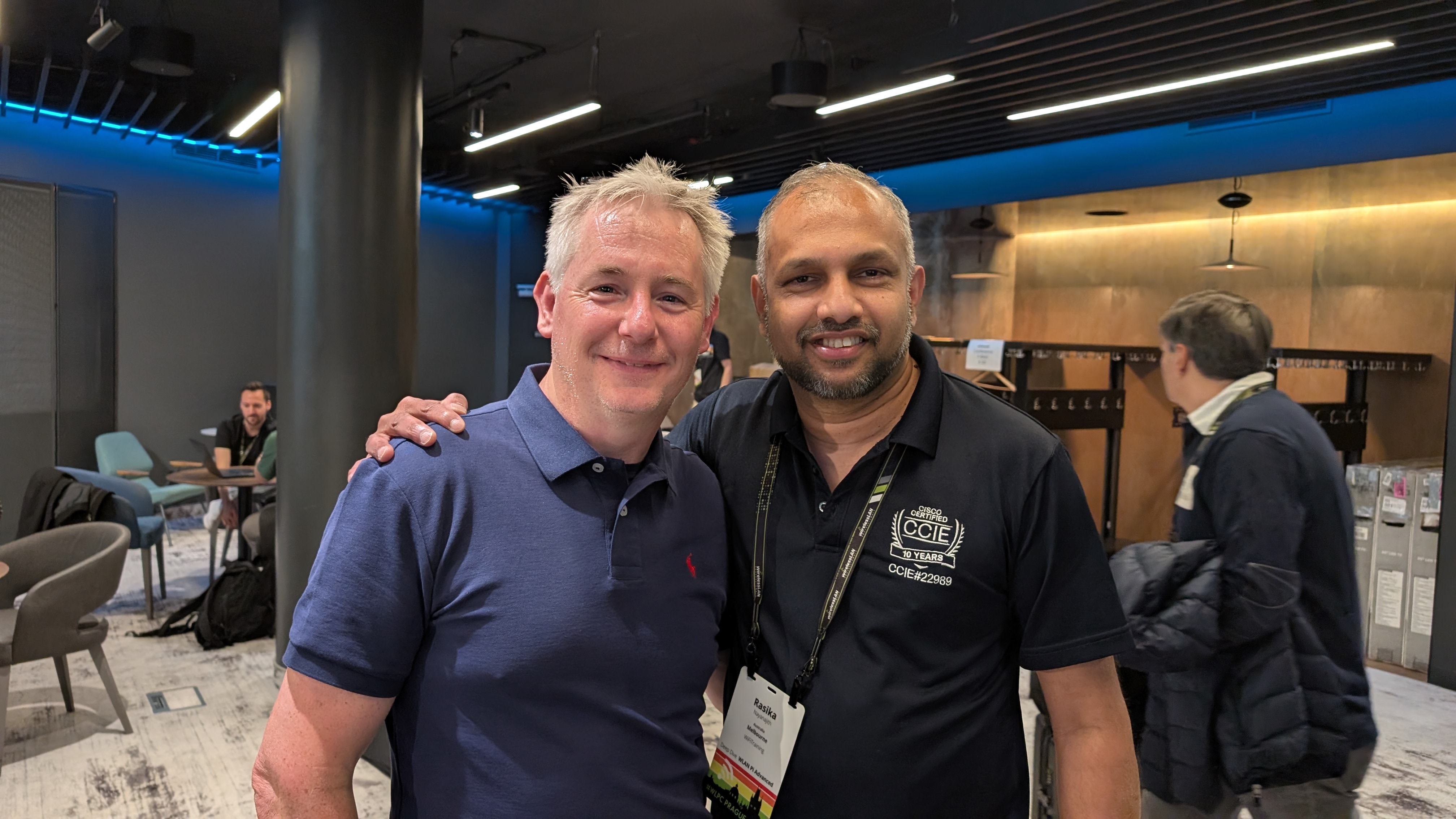
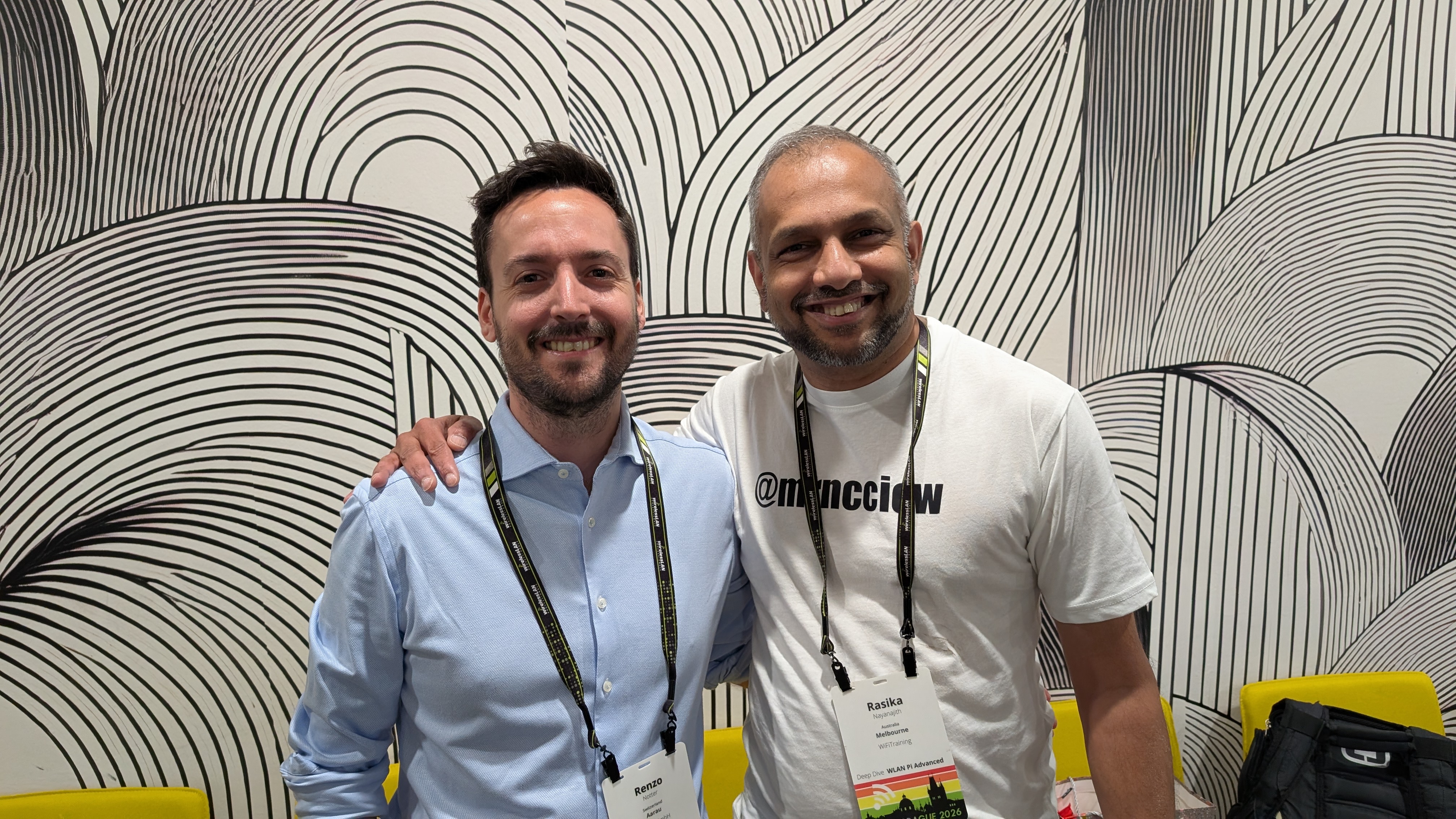
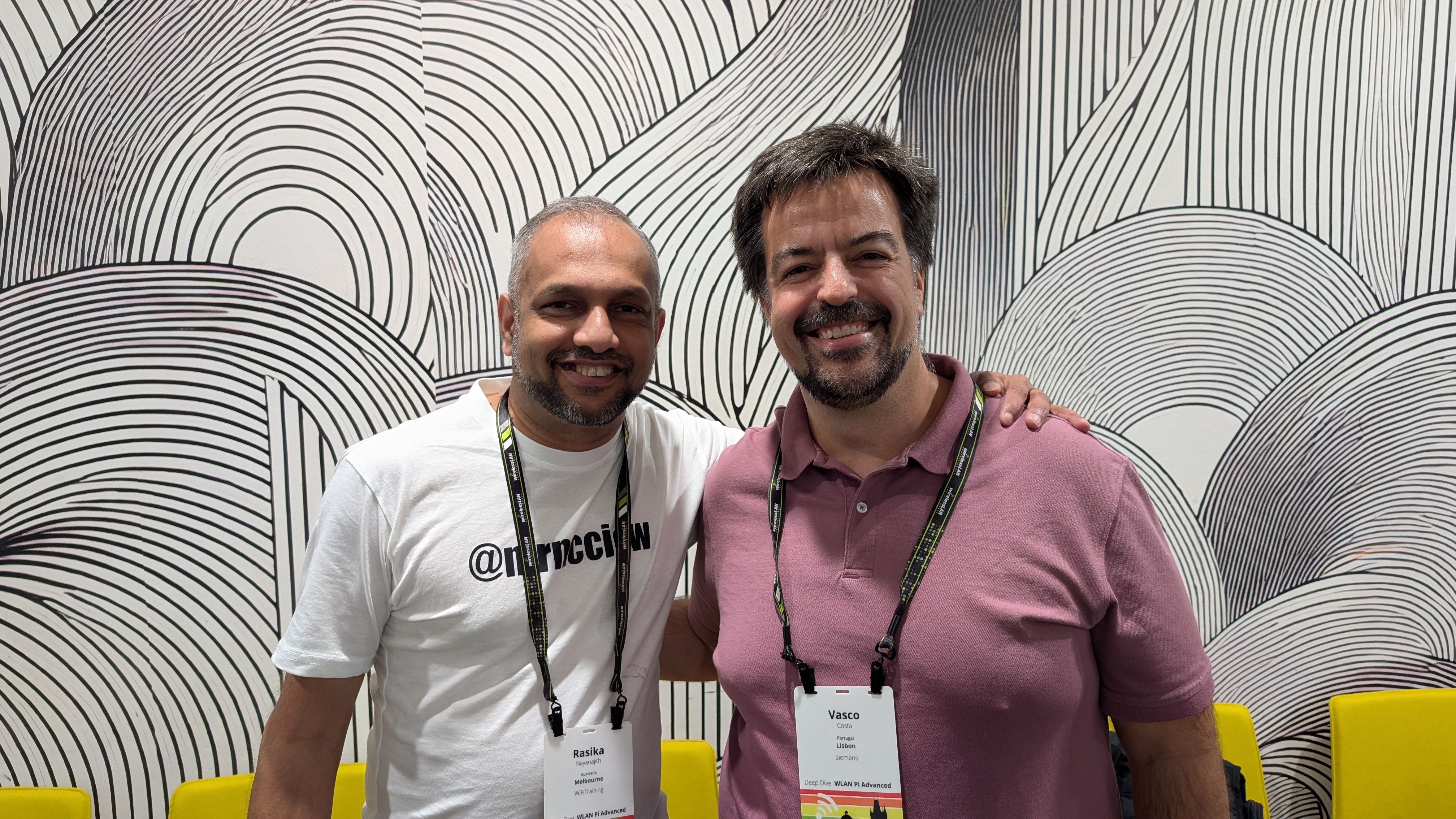
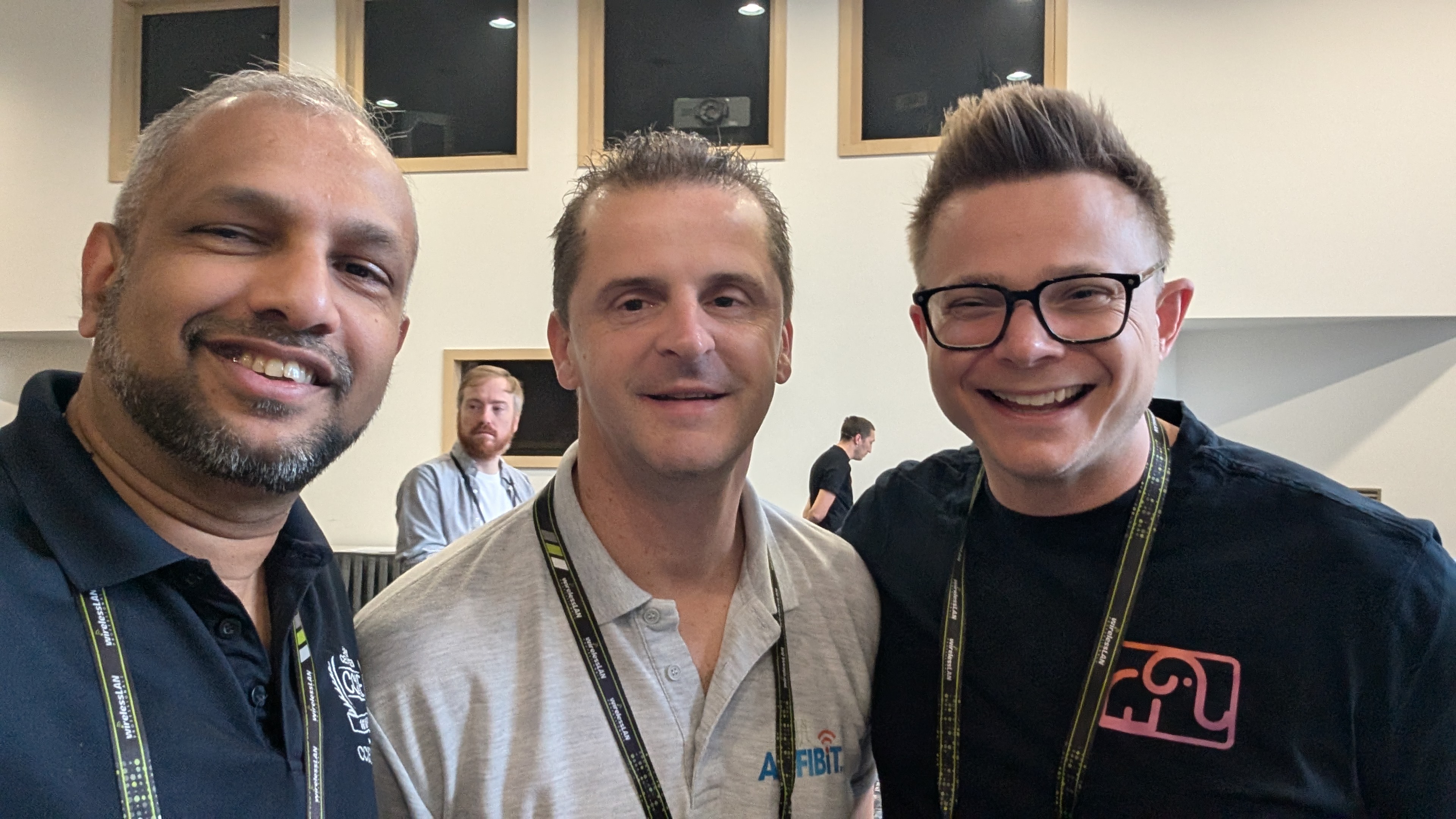
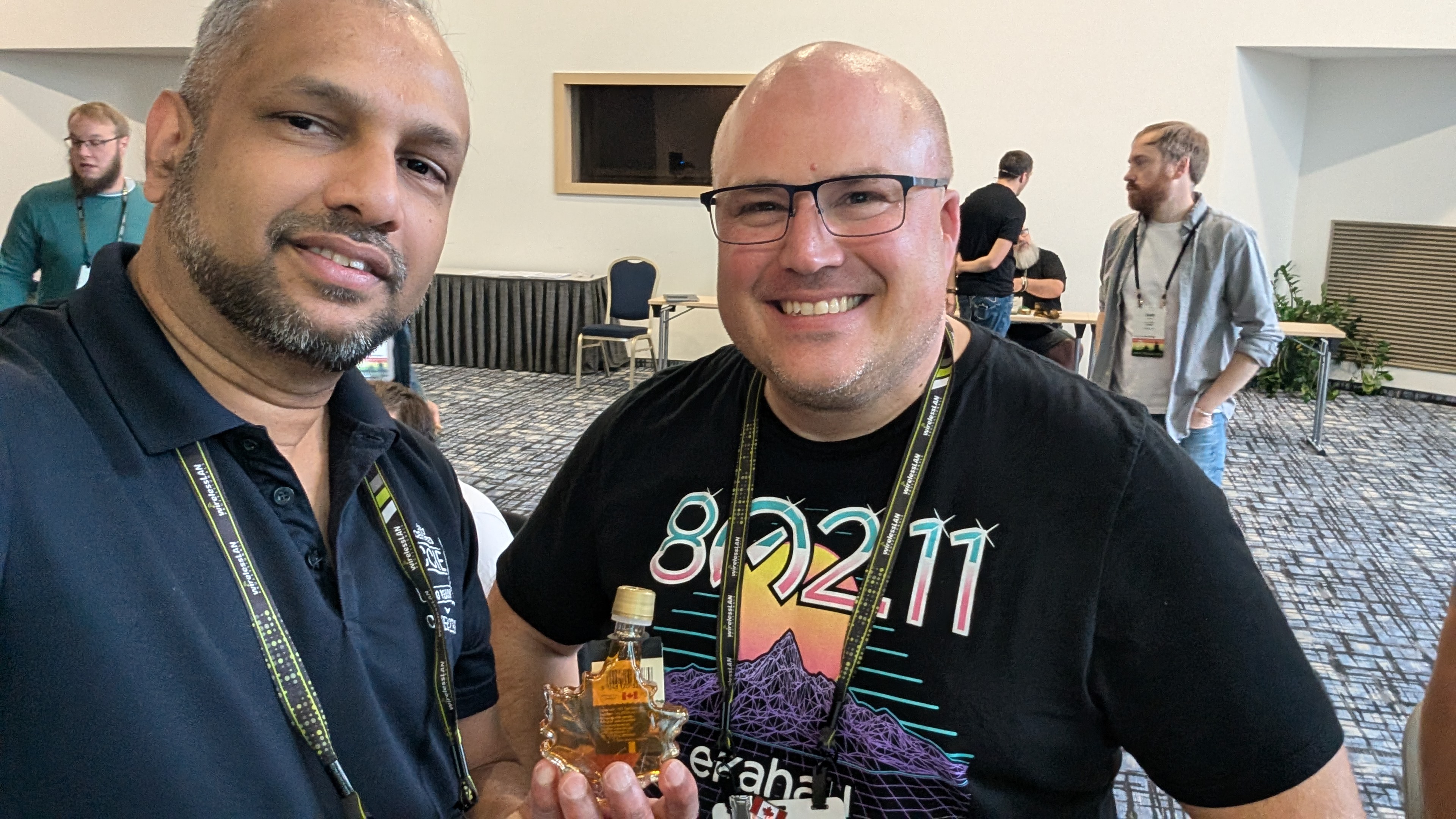
This is also the event where I get to reconnect with my fellow Ekahau instructors (Hans, Renzo, Rene, Maciej, Vasco – sorry, I could not take photos with all of them) and meet with the team behind Ekahau (Matt, Stew, Alan), making it a great opportunity to strengthen both professional and personal relationships.
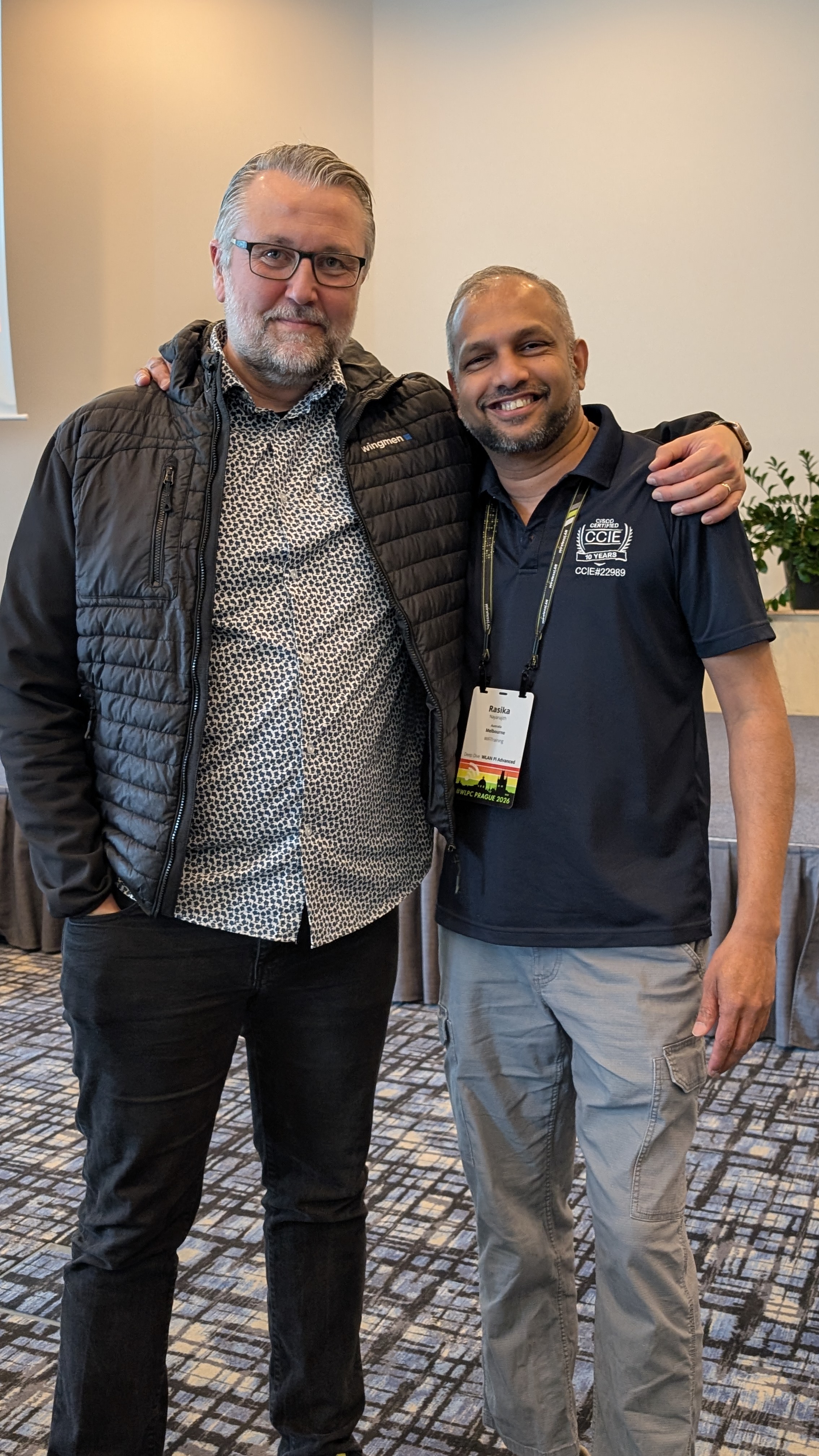
One of the highlights of the conference was when Henrik came up to me and shared that my blog had played a part in helping him achieve his CCIE Wireless certification. Hearing stories like that makes all the time spent writing worthwhile.
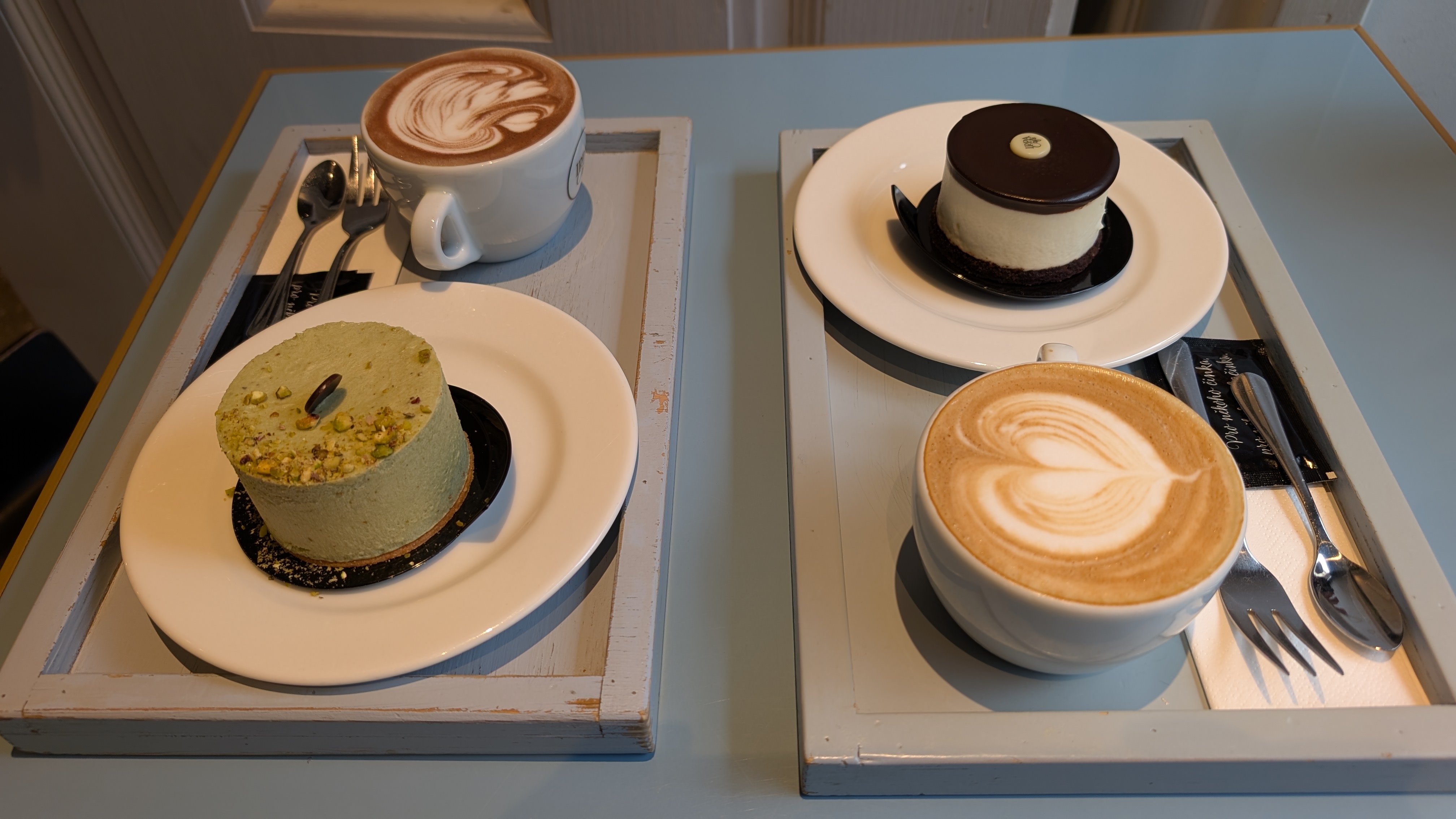
Prague is a beautiful city, and I was grateful to have a few hours to explore it on foot and enjoy its unique atmosphere.

A heartfelt thank you to everyone behind this wonderful event for all the effort and dedication that made it possible.
I’m already looking forward to returning to WLPC Prague next year and catching up with the incredible people who make this community so special.

