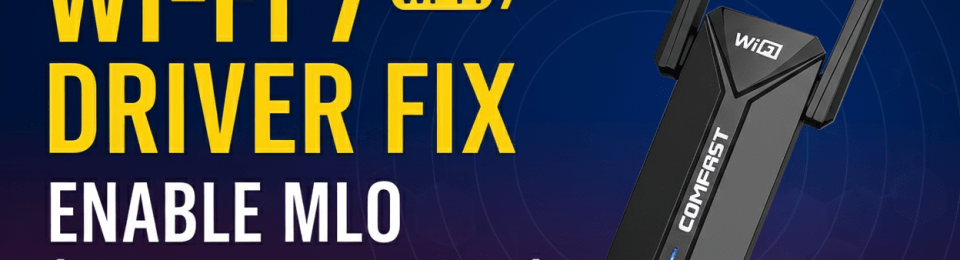
I picked up the COMFAST BE6500 USB adapter (a year ago), and like many of you, I hit a wall: it wouldn’t even show up as a network adapter. If you’ve been struggling with “hidden” drivers or missing MLO (Multi-Link Operation) features, this post is for you. I’ve documented the exact fix to get this Realtek RTL8912AU chipset actually working at Wi-Fi 7 speeds.
After researching online for a fix, I finally got it working. To enable MLO, you need the latest driver (version 5102.24.126.7). With this driver, I can successfully establish an MLO connection to a WPA3-Personal Wi-Fi 7 SSID. However, like many other Wi-Fi 7 devices, it still cannot make an MLO connection to a WPA3-Enterprise Wi-Fi 7 SSID
I still haven’t found a Linux driver that works with the Comfast BE6500, so I haven’t been able to test monitor mode or capture PCAPs. If you know of a suitable Linux driver, please leave a comment below!
Also, I’d love to hear from you—what Wi-Fi 7 USB adapters are you using? Share your experience in the comments!
 mrn-cciew
I initially tried BE6500 not luck, ASUS BE 92 & Elecom WDC-BE28TU3-B USB3.0 Wi-Fi 7 worked fine for me.
Thank you for the insight Bhanu. You mean those ASUS and WDC adapters able to get MLO connection or it is able to do monitor mode as well ?
MLO is working fine with WPA3-Personal
Thank you for the clarification