Back in 2024, I wrote a post on this topic. Since then, Cisco has made significant improvements, and I thought it would be valuable to share an updated post highlighting these enhancements.
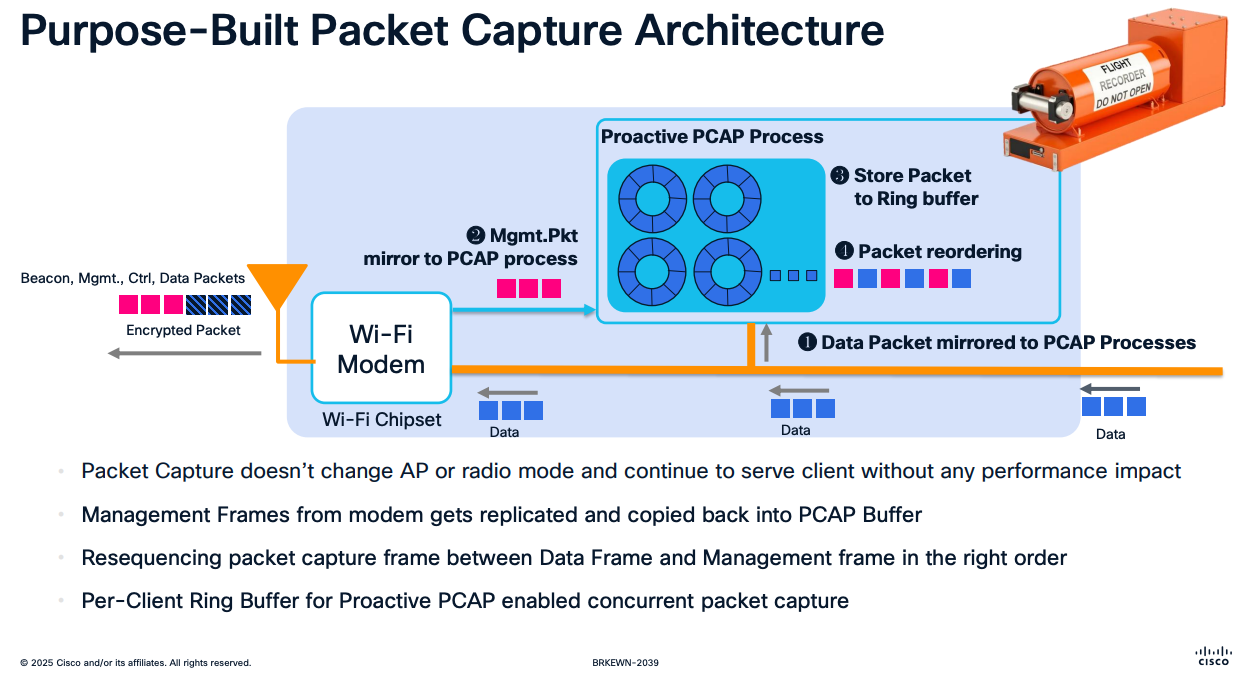
In a recent Cisco Live session, BRKEWN-2039 – AI Wireless Operation, Minse explained Meraki’s purpose-built packet capture architecture. Unlike traditional approaches that rely heavily on the Wi-Fi chipset, Meraki uses a dedicated PCAP process. This design offloads the heavy lifting from the chipset, which simply sends a copy of the frames to the PCAP process. The PCAP process has its own dedicated resources, including a per-client ring buffer, ensuring efficient and reliable packet capture.
The way you capture PCAP remains the same (either scheduled or proactive). This video walks you through the process if you haven’t done it before—it’s very simple.
The real benefit comes with the AI enhancements introduced, allowing you to use AI to analyze PCAP files and provide human-readable interpretations of any issues found in the captured packets. Here are some of the cool features:
AI Packet Analyzer – Here is a short video that shows this feature.
Cisco AI Assistant
Zebra Client Details
AI-RRM
Hitless Software Upgrade
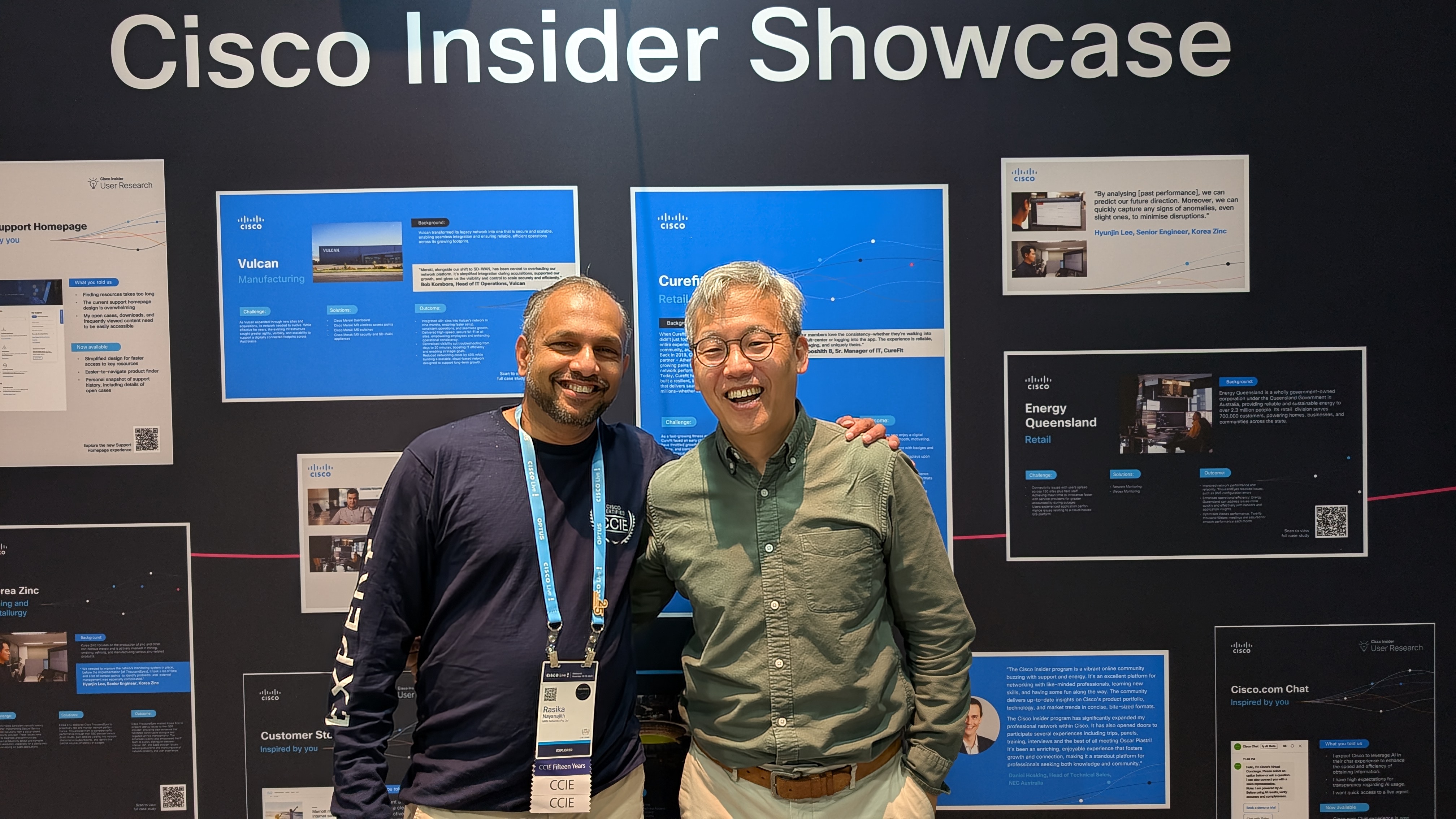
I’m glad I had the chance to catch up with Minse during Cisco Live, where he showed me what’s coming next. It’s truly impressive and will make Wi-Fi troubleshooting much simpler.
Although Meraki does not support “Sniffer mode” like the Cisco 9800 WLC, you can still use a Meraki AP to capture traffic similar to a sniffer. Here’s a video demonstrating how, if you’re interested. This is especially useful in a lab setup (since in production, you wouldn’t want to dedicate a Meraki AP solely for sniffing Wi-Fi traffic).
In summary, if you have a Meraki AP for your enterprise Wi-Fi, you have an easy and powerful way to capture PCAPs and troubleshoot them using AI..
 mrn-cciew
Hi Rasika, great video. Question: I see you have a lot of filters (like the various frame types etc) in Wireshark. Can you share these filters maybe?
thanks, William
Hi William,
Pls check this post out, it got instrunction on my Wireshark Profile and how to use it
Rasika