Tags
UniFi has been making strides in the enterprise Wi-Fi market, introducing features that cater to large-scale deployments. One critical capability is broadcasting the AP name in beacon and probe response frames. This feature is invaluable for Wi-Fi surveys and troubleshooting, allowing tools to identify AP names directly from these frames. Watch the video to see how it works and why it’s a must-have for real-world troubleshooting.
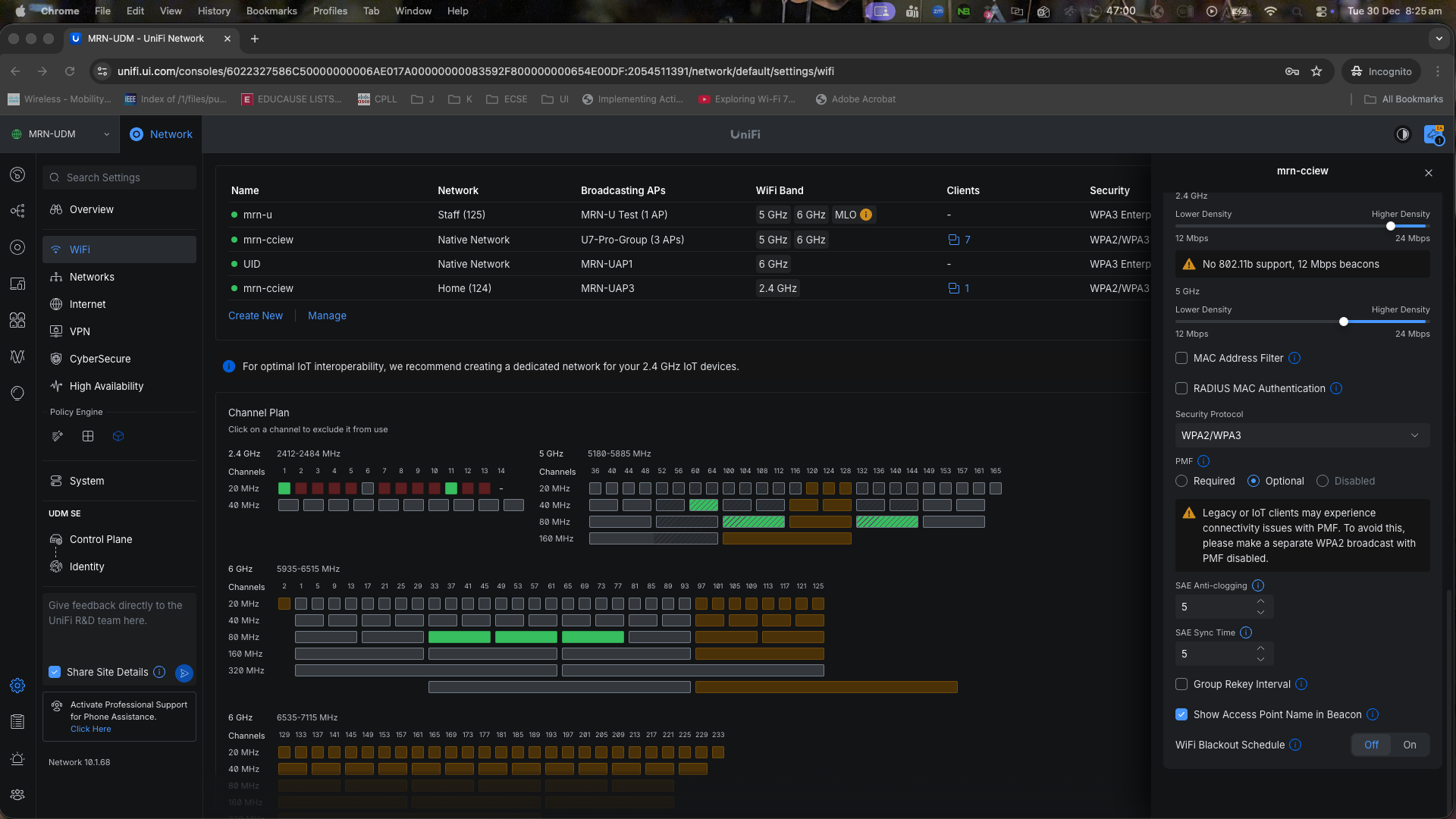
I’m running an early release version (UniFi Network Application 10.1.68), and I believe this feature was introduced recently, starting from the 10.1.67 release. You can enable it on a per-SSID basis by navigating to: Settings > WiFi > [SSID] > Show AP Name in Beacon.
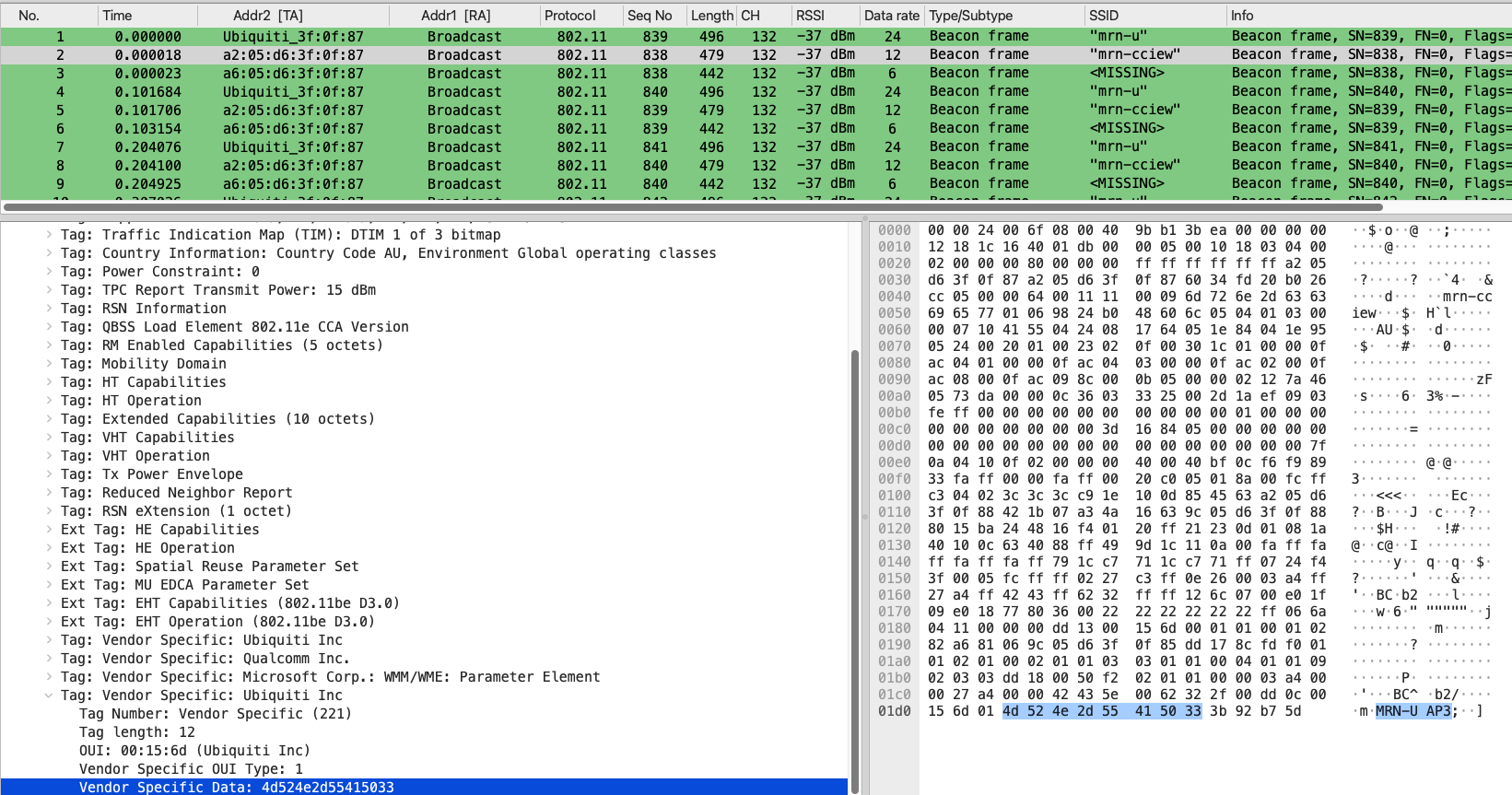
With this feature enabled, the AP includes a vendor-specific element containing the AP name. Below is a PCAP file that shows this element.
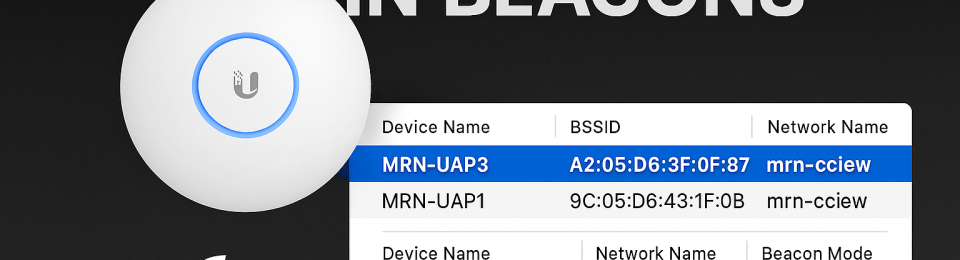
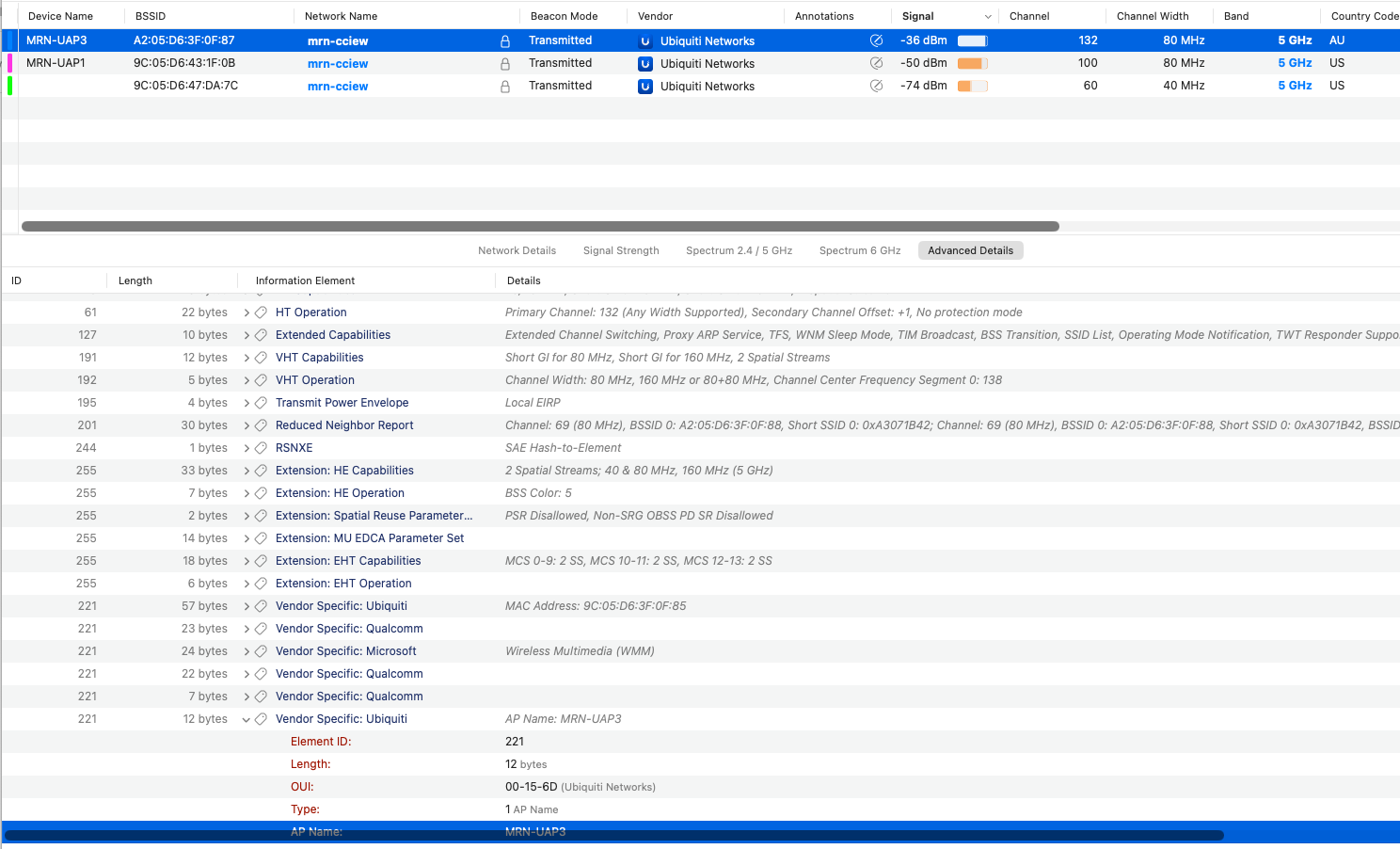
When using tools like Wi-Fi Explorer, you should see the device name displayed exactly as the AP name.
When I checked with the Ekahau tool (11.8.8.1), it still shows the MAC address as the AP name. I’m confident they’ll update their software to read this vendor-specific element as the UniFi AP name, so your site survey results should automatically display AP names in the future.
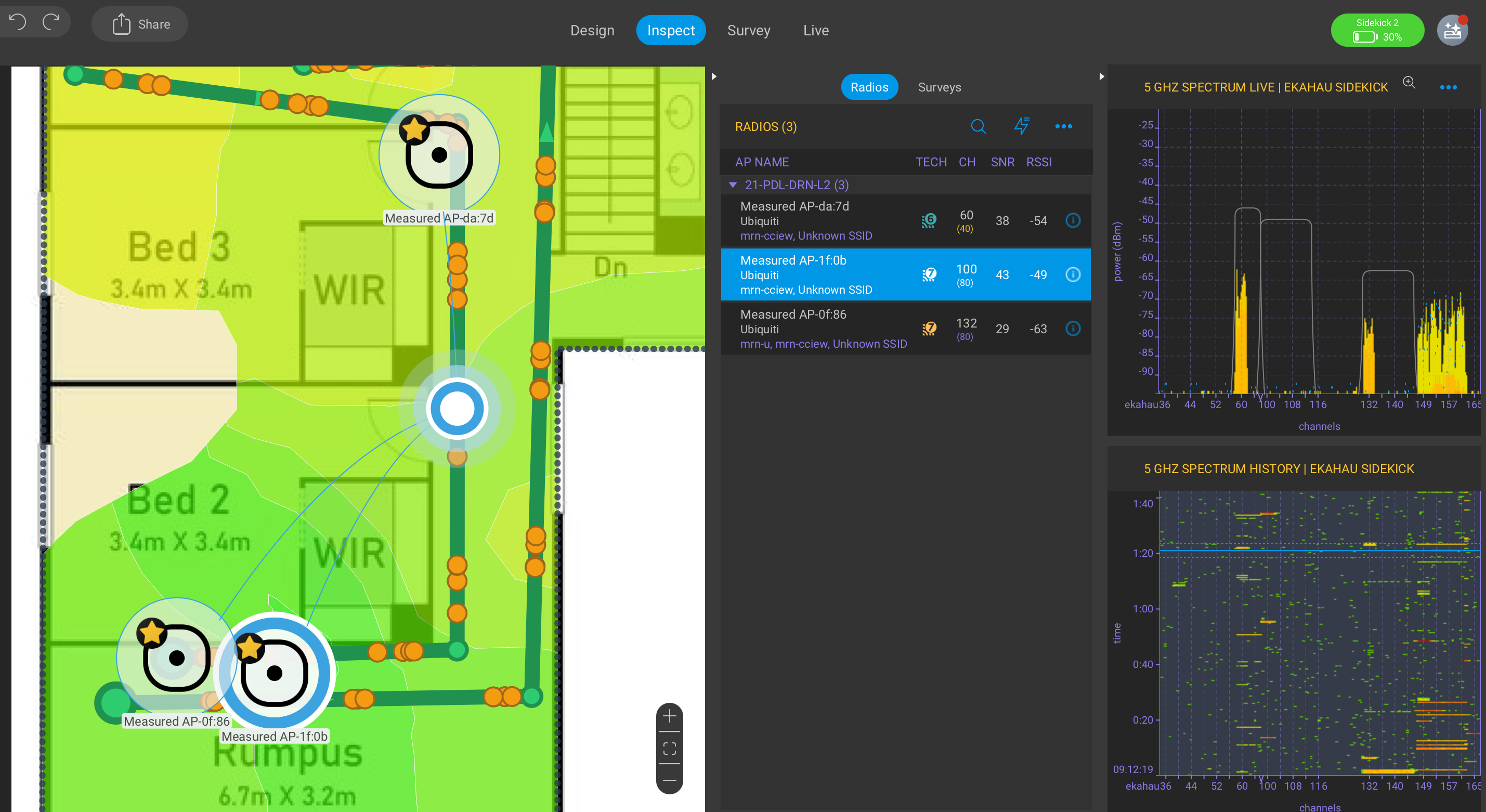
Next time you perform a site survey or troubleshoot a UniFi wireless environment, make sure to enable this feature beforehand. It will save you a lot of time when analyzing or troubleshooting the UniFi network.
Update : 4 Jan 2026.
Watch this video from Paul, where he explains how Wireshark has updated this information element in release 4.7.x to display the UniFi AP name, just like any other vendor AP name in a beacon frame.
 mrn-cciew